




Explore EF
Start intake

Solutions / capability architecture

Capabilities designed as operating systems.

Start with the operating problem. Each capability moves through diagnosis, system design, implementation, and enablement—leaving behind assets the team can keep using.

Enter the capability studioStart Client Intake

Operating architecture04 registered states

  1. 01DiagnoseRead the friction
  2. 02DefineModel the system
  3. 03InstallBuild the assets
  4. 04EnableTransfer the rhythm
EF / SYSTEM VIEWStrategy · Workflow · Signals · Execution

Capabilities / Systems installed

Choose the operating system closest to the problem.

Six capabilities.
Built around your operating reality.

Solution architecture

Advisory becomes infrastructure.

Diagnose the friction, define the system, install the assets, and enable the operating owner.

  1. 01Diagnose the friction
  2. 02Define the system
  3. 03Install the assets
  4. 04Enable the operating owner
Operating standardThe engagement should leave behind something the organization can keep running.

EF Operating Lab / Program Operating System

Move the work.
See the consequence.

A small, hands-on example of turning competing priorities into owned work and an explicit delivery decision.

Illustrative data · Try it here
A familiar starting pointThree sources. Three loose ends.
  1. 01
    Team notes

    Repair the handoff

    Owner and next step unclear

    —
  2. 02
    Status meeting

    Make decisions visible

    Owner and next step unclear

    —
  3. 03
    Reporting backlog

    Connect the reporting

    Owner and next step unclear

    —

Make one useful change

This cycleNot mapped
Capacity appears when the work is connected.
Before the system

Three priorities. No shared ownership or capacity picture.

Illustrative capacity units explain the tradeoff; they are not hours, a forecast, or a client result. Everything in this example stays in your browser.

Explore the capability

Representative engagements

Operating work, explored one context at a time.

Representative operating work; scope and results vary by context.

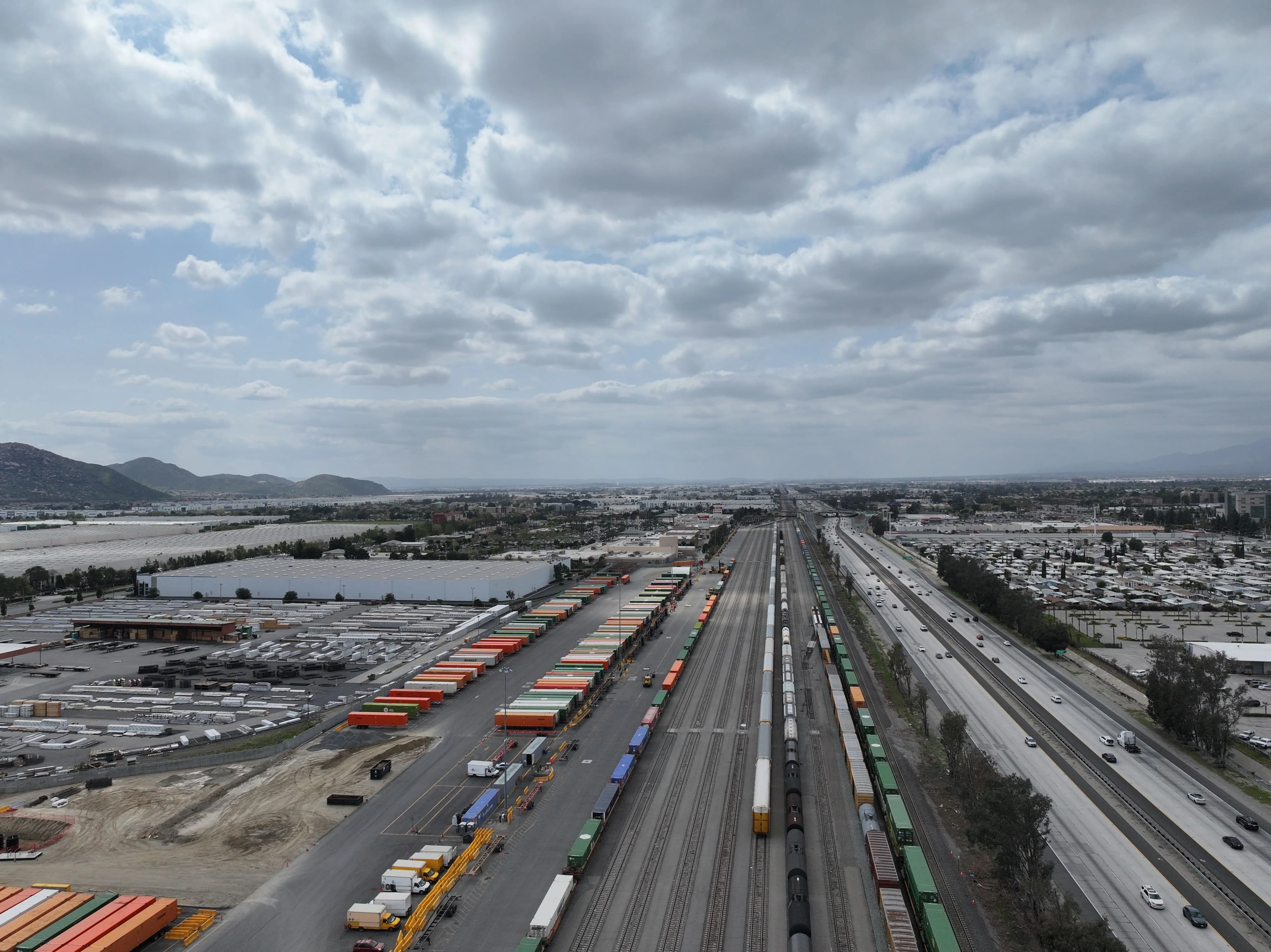
City infrastructure and movement through a dense urban corridor
Operating context01

Global mobility and transportation platform

Operational Deployment & Growth Strategy

Starting condition
A product rollout needed to move from strategy into distributed real-world execution.
System built
Connected growth planning, field readiness, stakeholder rhythm, and deployment standards.
Observable end state
Strengthened rollout discipline across complex, customer-facing operating environments.
Context, intervention & capabilities

Operating context

The work sat between market expansion planning, field operations, stakeholder alignment, and deployment readiness. Strategy had to remain connected to the operational realities of airports, hotels, stadiums, and local execution teams.

EF role

Growth strategy and operational deployment partner, helping connect opportunity analysis, rollout planning, field coordination, and implementation discipline.

Intervention trace

  1. Supported market and deployment planning for high-impact rollout environments.
  2. Coordinated field execution, stakeholder communication, and readiness standards.
  3. Helped translate product strategy into repeatable operational practices across locations.

Capability register

  • Growth strategy
  • Operational deployment
  • Program execution
  • Stakeholder alignment
  • Field operations
  • Customer experience

Representative engagements, explored in context.

Reduced motion
Selected engagement 1 of 4: Global mobility and transportation platform.

Client intake / system handoff

Choose the capability closest to the operating problem.

The first review can clarify the system you need without forcing the work into a generic engagement menu.

Start Client Intake
  1. 01Diagnose
  2. 02Define
  3. 03Install
  4. 04Enable
Installed end stateOperating owner enabled